Create with the World’s Best AI Models
Choose AI video models that match your music and creative vision. Build realistic performance scenes or animated worlds for your next release.
Turn your song into an AI music video. Bring your sound to life.
AI Music Video by the numbers
A new way to create videos — the AI plans scenes, shots, and style for you.
making music videos
and territories reached
created on AI Music Video
 Veo
 Sora
 KlingNano Banana
 SeedanceGPT Image 2
Our AI never sleeps. Neither does the inspiration.
Give your next release a visual story that feels like you. Turn music into video with AI models, scene prompts and a workflow built for independent creators.
Choose AI video models that match your music and creative vision. Build realistic performance scenes or animated worlds for your next release.
Upload your track and select the section you want to use. Build scenes around its rhythm, energy and mood to keep the visuals connected to your sound.
Describe your setting, characters and visual style to guide the AI music video generator. Review your scene choices, then bring your story to life.
Bring your scenes and soundtrack together in one workflow. Render your music video in minutes and get your next release ready to share.

Start with an idea instead of an audio file. Use AI music generation to create an original soundtrack, then build a music video around your sound.
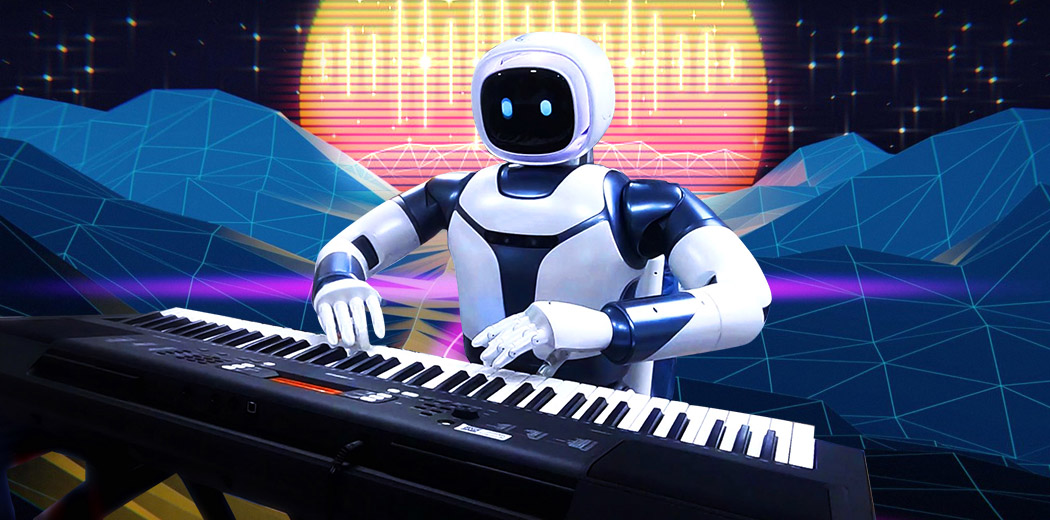
Describe the instruments, tempo and mood you have in mind. Generate an original AI soundtrack for your video, even when you do not have a song to upload.
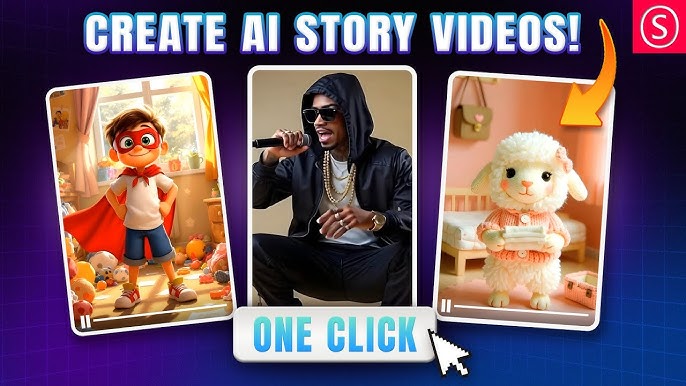
Turn your script into spoken dialogue or narration. Give characters a voice and add context to your visual story with audio that complements the scenes.
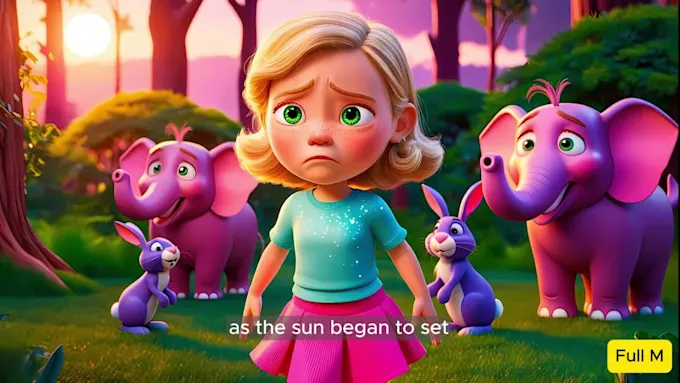
Set the direction with a mood and genre, from quiet acoustic music to energetic electronic tracks. Connect your soundtrack to the lighting and movement in each scene.
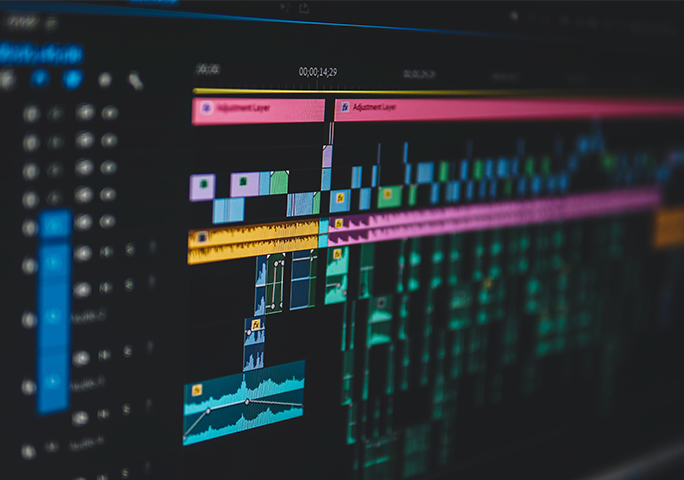
Build your music video around the rhythm of your track. Match scene changes to shifts in energy and bring your strongest visuals into the chorus.
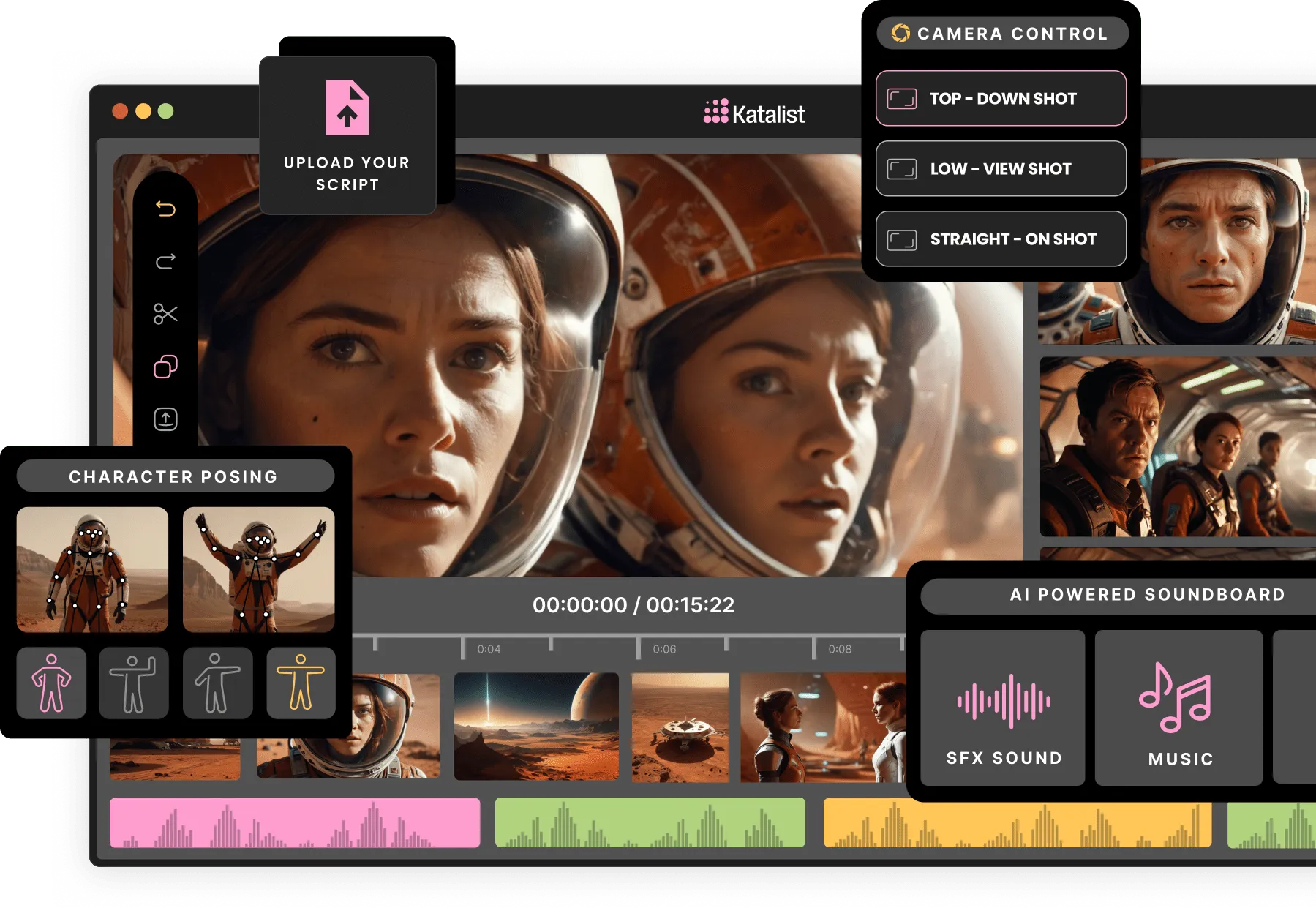
Bring your visual concept, soundtrack and narration into one storyboard. Plan the sequence from the opening shot to the final scene before refining each detail.
Try a different arrangement or upload your own recording as your video develops. Keep your visual direction while adjusting the scene timing to fit your new sound.
Discover music videos and visual ideas from creators around the world.
Build a music video from the first creative idea to the final sequence, with tools for every part of the process.
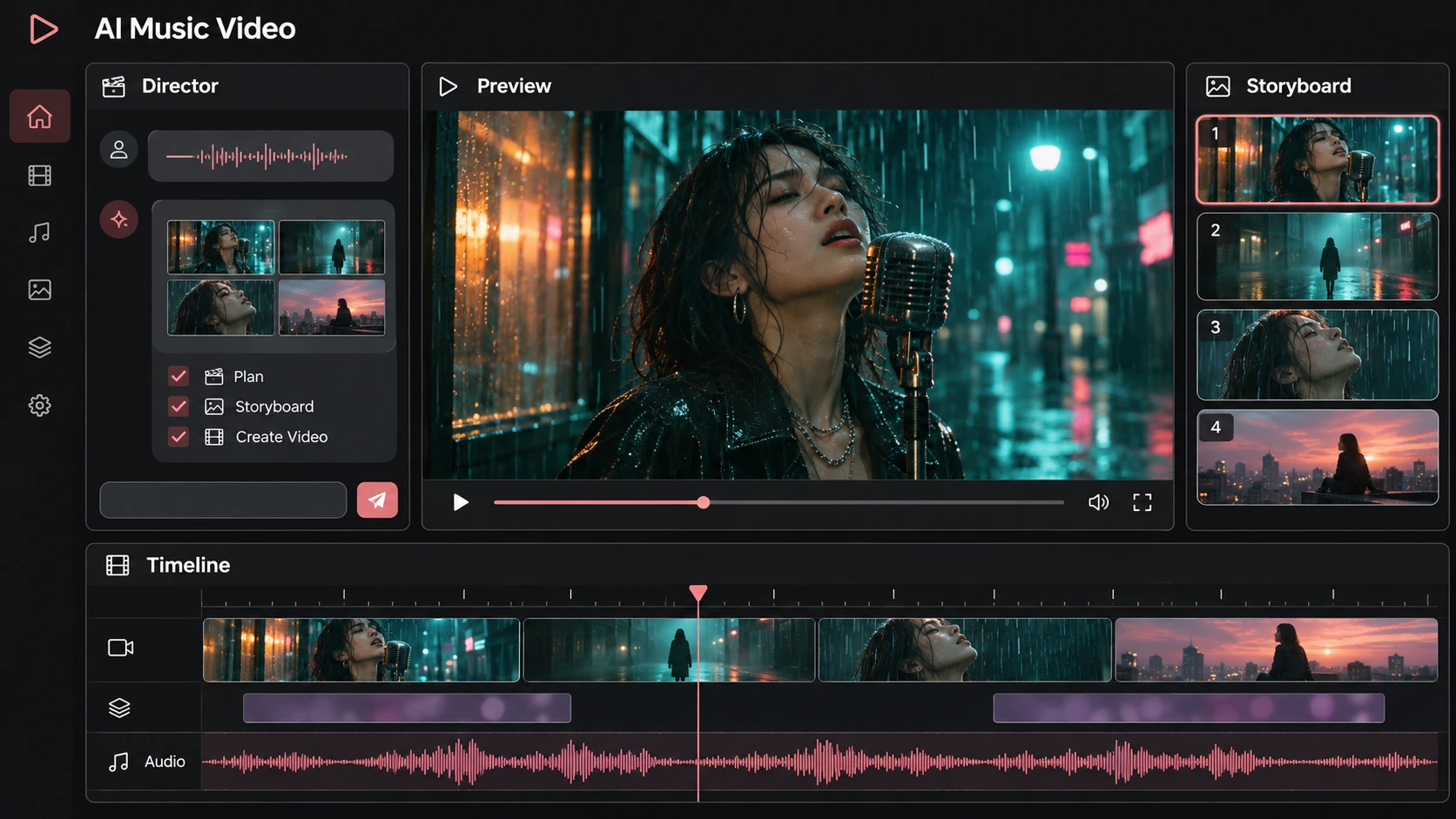
One place for the full creative journey. Start with a track and an idea, develop characters and scenes, and shape the final sequence. AI Music Video connects creative planning, visual generation and editing around the music that matters to you.
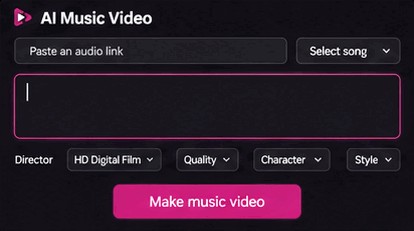
Work through your idea in a conversation. Explore a visual style, plan the story, choose recurring characters and develop each shot. Keep refining the creative direction as your music video takes shape, with your original vision guiding every scene.
Open Agent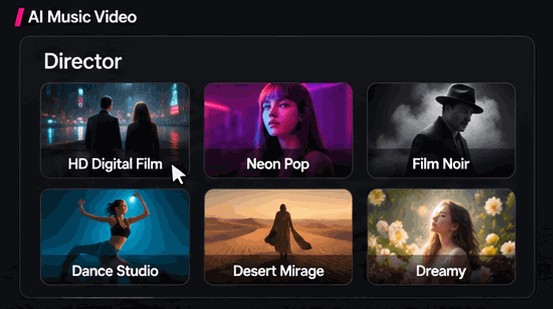
Bring your track and describe the world you want to see. Choose the mood, visual style and format, then turn those choices into a music video project. A direct starting point for releases, visualizers and short social clips.
Try Now
Let the song guide the edit. Its tempo, transitions and changes in energy provide a structure for the visuals. Build scenes around the verses, highlight the chorus and keep the emotional direction of the track at the center of your video.
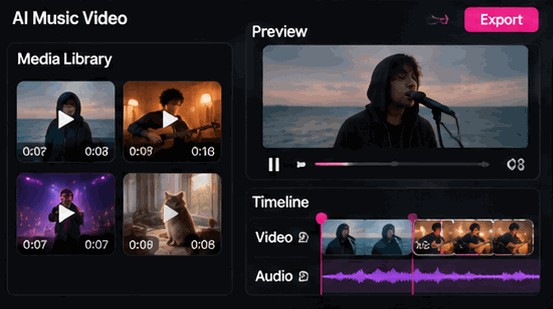
Take a closer look at every scene. Arrange your shots, compare visual directions and refine the timing around your music. Bring characters, source images and scene details together so that the finished sequence follows your creative brief.
Get Started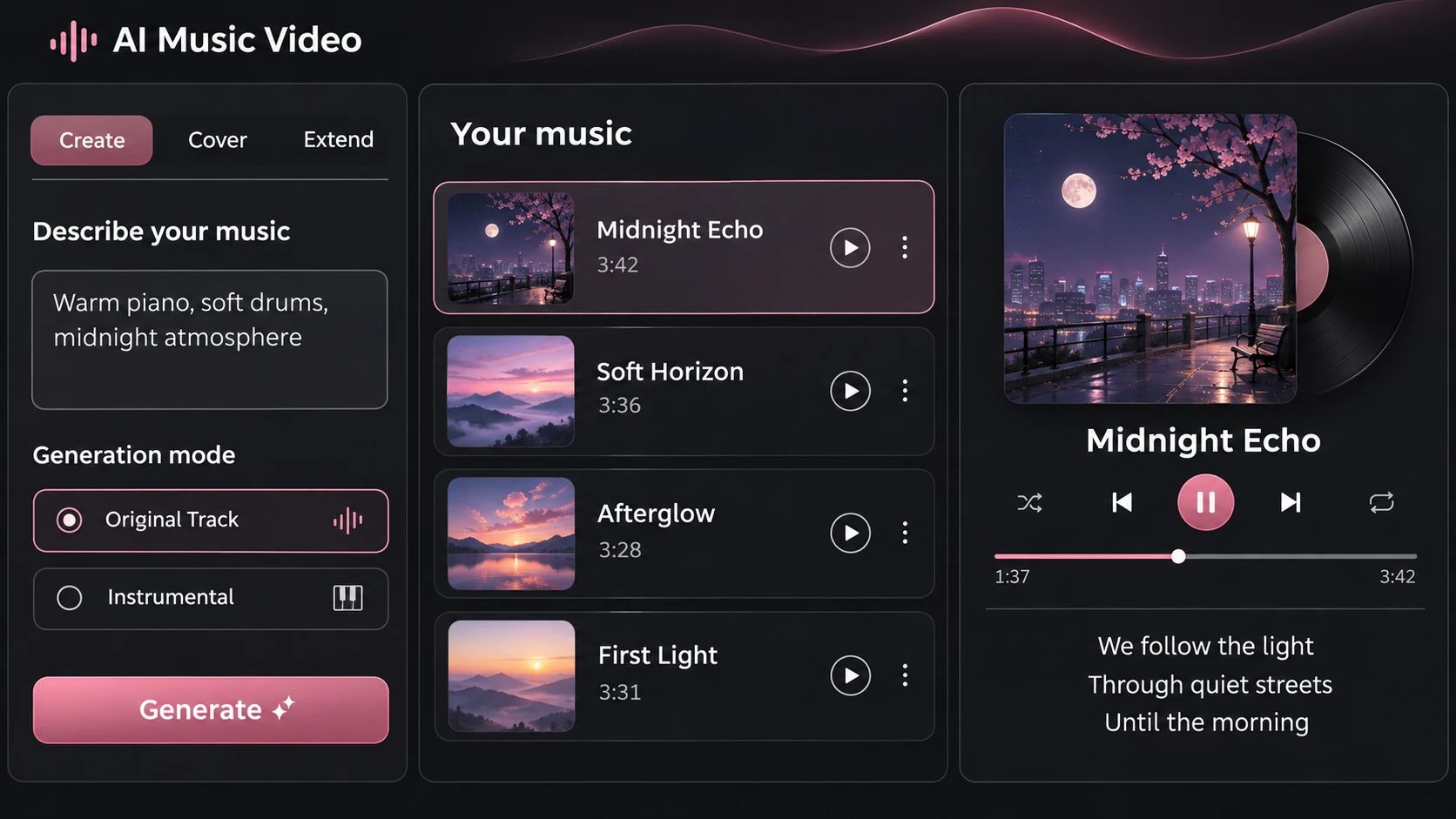
Build the sound as well as the picture. Explore original musical ideas, develop a different arrangement and plan a soundtrack that fits the length of your film. Keep the audio choices and the visual concept connected throughout the creative process.
Try AI Music Generator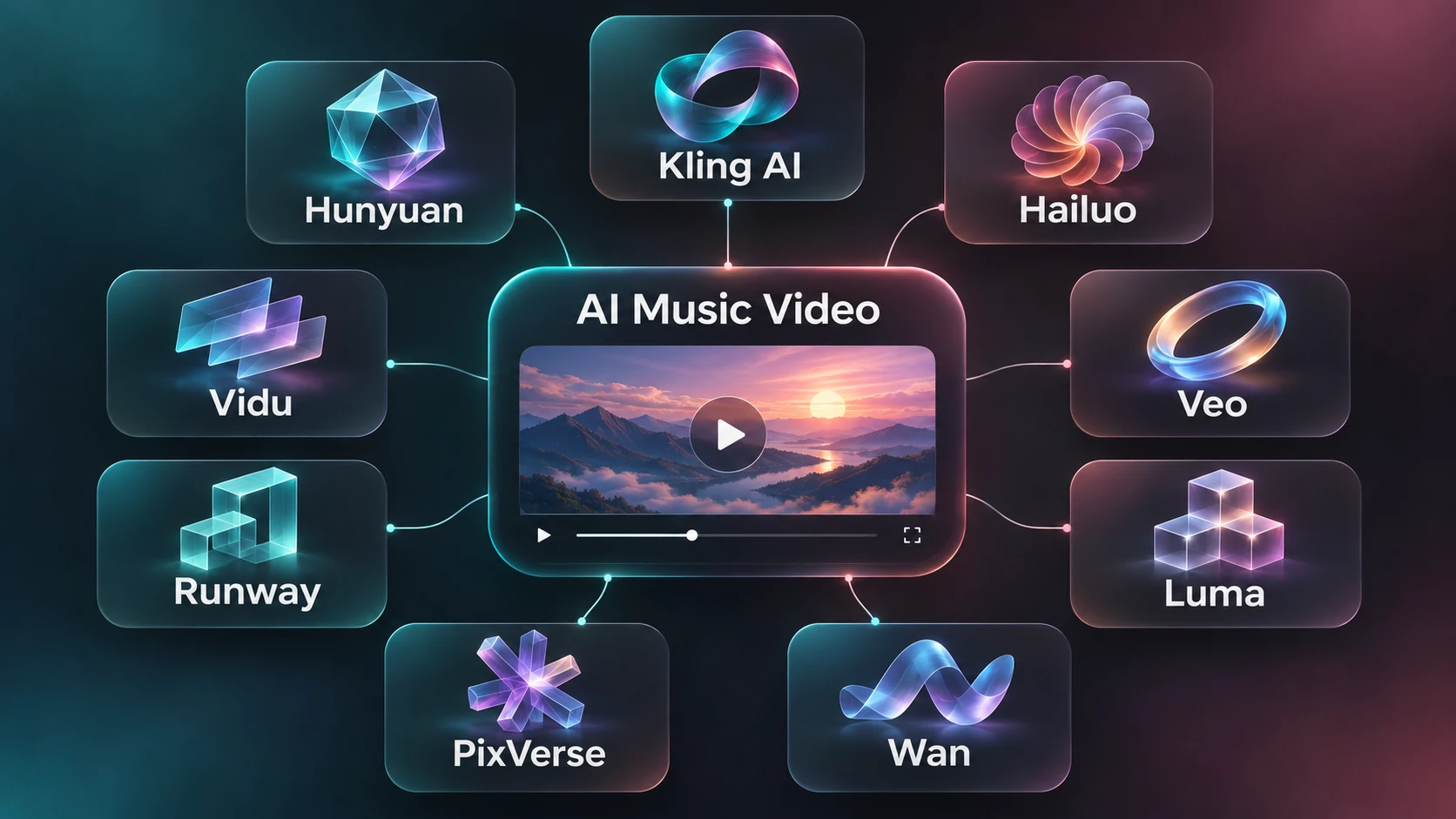
Different ideas call for different visual tools. Explore the available models and styles in one workspace, from realistic performances to illustrated worlds. Compare the creative options and choose the direction that best supports your song and your story.
Turn your song into an AI music video before your coffee gets cold. Bring your independent sound and creative vision to the screen.
Upload your song, choose a visual style and turn music into video with AI. Go from a track to a finished story on your lunch break.
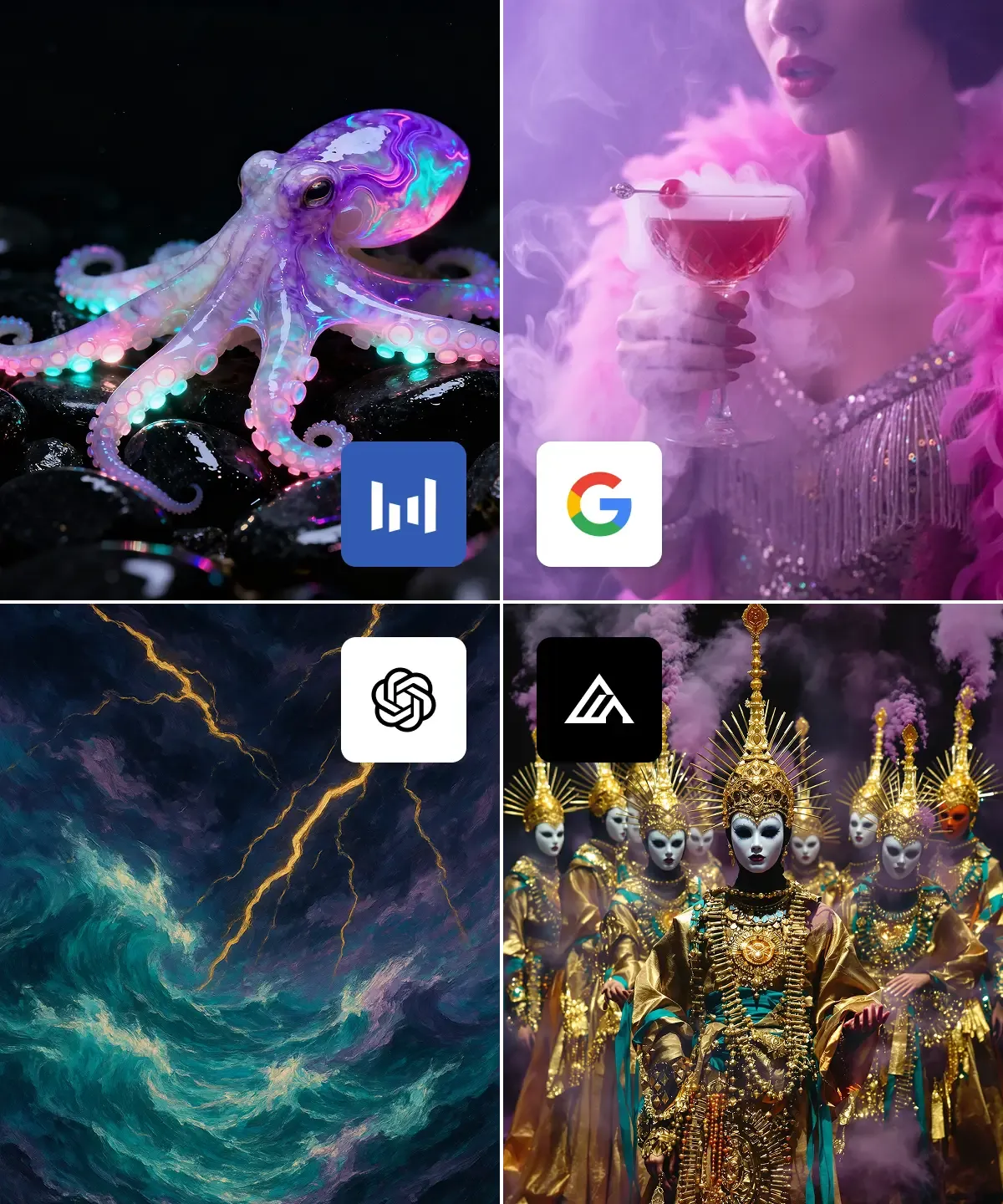
Create professional-quality music videos for less than a movie ticket. Bring cinematic scenes to your next independent release without hiring a film crew.
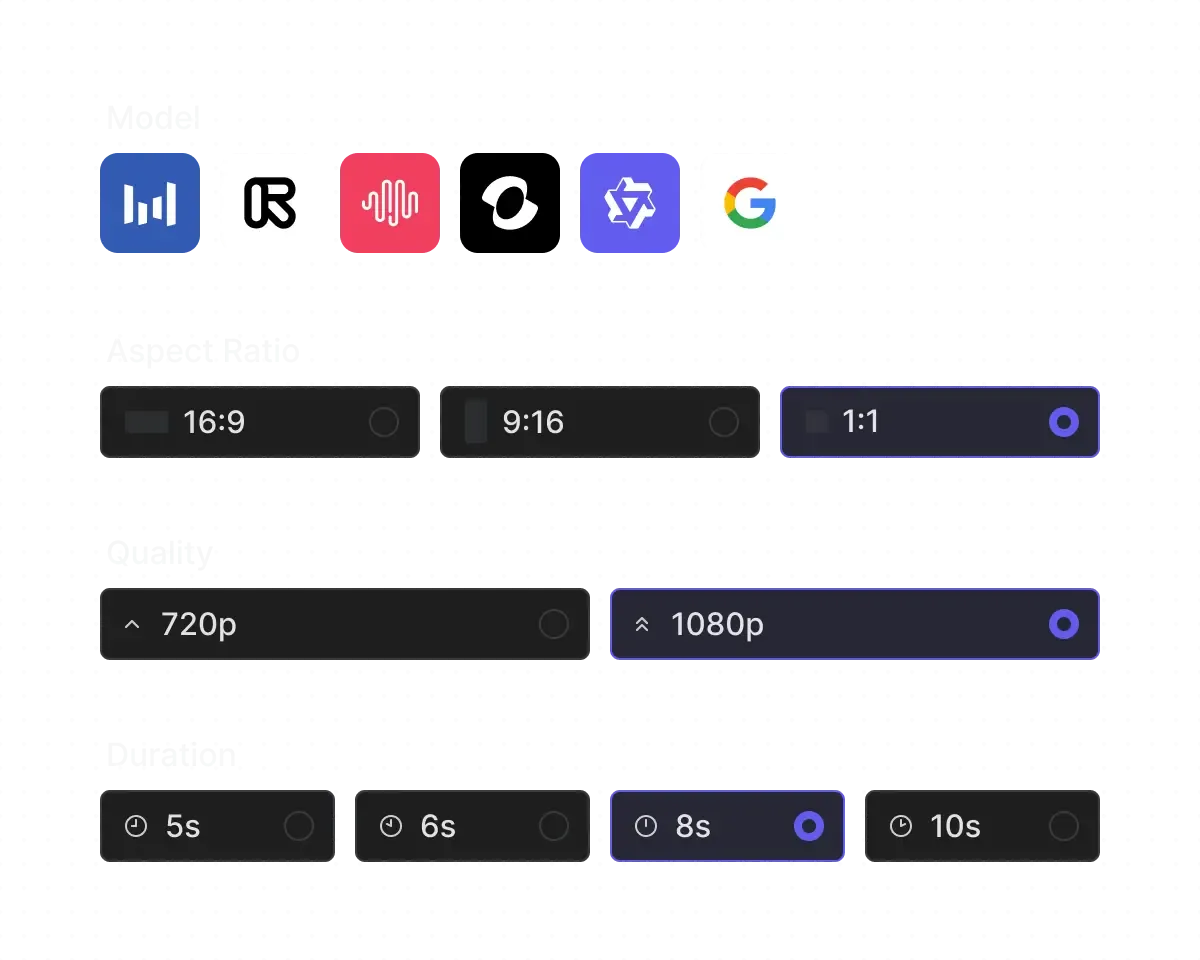
Choose your AI model, characters and visual style. Shape a landscape music video for your next release or a vertical clip for social media.
Start with an idea and create an original soundtrack with AI music generation. Develop the sound and visuals together, even without a finished song.
Bring your next idea to life with AI music and a visual story to match. Shape the sound and style around your creative vision.
Different sounds, different stories. Discover the creative perspectives in the AI Music Video community.

Independent Artist / Electro-Pop
“AI music helped me turn a simple idea into something I could actually listen to. It made exploring different musical directions feel much more approachable.”

Hip-Hop Producer / Beatmaker
“Creating an AI music video gave my song a visual identity. Seeing the music paired with imagery made the whole project feel more complete.”

Singer-Songwriter / Indie Folk
“What I enjoy most about AI music creation is the freedom to experiment. I can explore a mood or concept without needing to start with a finished composition.”

Electronic Music Producer
“An AI music video is an exciting way to bring an independent release to life. It gives the audience another way to connect with the song.”

Music Label Manager
“I started with a few lines of lyrics and a rough musical idea. Exploring them through AI music helped me discover a direction I wanted to develop.”

TikTok / Reels Creator
“For me, the best part of making an AI music video is deciding how the visuals should reflect the song. It adds a whole new creative layer.”

Lifestyle Influencer
“AI music has become a useful source of inspiration when I feel stuck. Even an unexpected result can spark a better idea.”

YouTube Shorts Creator
“Turning a song into an AI music video helped me think more carefully about its story. I started noticing images and emotions I had overlooked in the lyrics.”

Social Media Manager
“I like using AI music to explore styles outside my usual comfort zone. It encourages me to try ideas I might otherwise leave unfinished.”

Sound Design Creator
“Creating visuals for my music made sharing it feel more personal. An AI music video can express a different side of the same song.”

Creative Technologist
“AI music gives me a practical starting point for creative experiments. I still make the decisions, but I no longer have to begin with a blank page.”

Head of Digital Strategy
“My favorite music videos capture a feeling rather than illustrate every lyric. That is the approach I enjoy exploring with AI music video creation.”
Creative Director
“As a hobbyist, I appreciate having another way to explore songwriting. AI music makes it easier to test an idea before deciding how far to take it.”

Film School Student
“Working on an AI music video encouraged me to consider color, pacing, and atmosphere alongside the audio. It made the creative process more interesting.”

Brand Marketing Specialist
“AI-generated music can be a starting point rather than a finished destination. I enjoy choosing what works and developing it into something that feels like mine.”
Vlogger / Content Creator
“A visual concept can change the way a song is experienced. Exploring AI music videos helped me find a look that matched the emotion I wanted to communicate.”

Artist Management
“I enjoy experimenting with AI music for personal projects. It is a satisfying way to explore a creative idea without needing every detail planned in advance.”
Amateur Filmmaker
“Making an AI music video gave me a reason to revisit an older track. Thinking about its visuals helped me hear the song with fresh ears.”

Graphic Designer
“AI music is most useful to me when I treat it as a creative tool. My taste, choices, and revisions are still what give the project its direction.”

Aspiring Rapper
“I wanted the visuals to support the music rather than distract from it. Building an AI music video around that goal became a rewarding creative exercise.”

Digital Marketing Consultant
“Exploring AI music and AI music videos together helped me connect sound with storytelling. I enjoyed developing both parts around one central idea.”
Choose the credits and creative tools for your next music video. Compare monthly plans or save around 20% with annual billing.
Introductory pricing · Around 50% off
Monthly billing
Monthly billing
Monthly billing
Monthly billing
You can choose either. A subscription adds credits each month and renews on your chosen billing cycle. Select One-Time Credits to buy a credit pack with a single payment and no subscription.
Yes. You pay the full yearly total shown on your plan. The monthly price is the yearly cost divided by 12. Your credits arrive in monthly amounts over 12 months, starting after your payment is confirmed.
The cost depends on your video length, model, resolution, and whether you use lip sync. Check the credit cost shown before you confirm a generation. Generating new versions of scenes uses additional credits.
The video counts are estimates based on one-minute videos. Your credits may cover more or fewer videos depending on your settings and how many scenes you generate again.
You can buy a pack under One-Time Credits using the same account. This adds credits without changing your subscription. You can also wait for your next scheduled credit refill.
A credit pack adds to your balance. Features that require a paid subscription still need an active subscription, even if you have enough credits.
Sign in and select Manage billing on this page to cancel renewal. Cancellation takes effect at the end of your current billing period. If you paid yearly, your remaining monthly credit refills continue for the year you paid for.
Sign in and select Manage billing on this page. The billing portal lets you view your invoice history and update your payment method.
Check the payment status on this page after returning from checkout. If it is still processing, refresh the page to check again. Make sure you are signed in to the account you used for the purchase. Contact support if your credits are still missing.
Explore practical guides, creative workflows and ideas for your next AI music video.
Learn more about the team behind AI Music.Video.
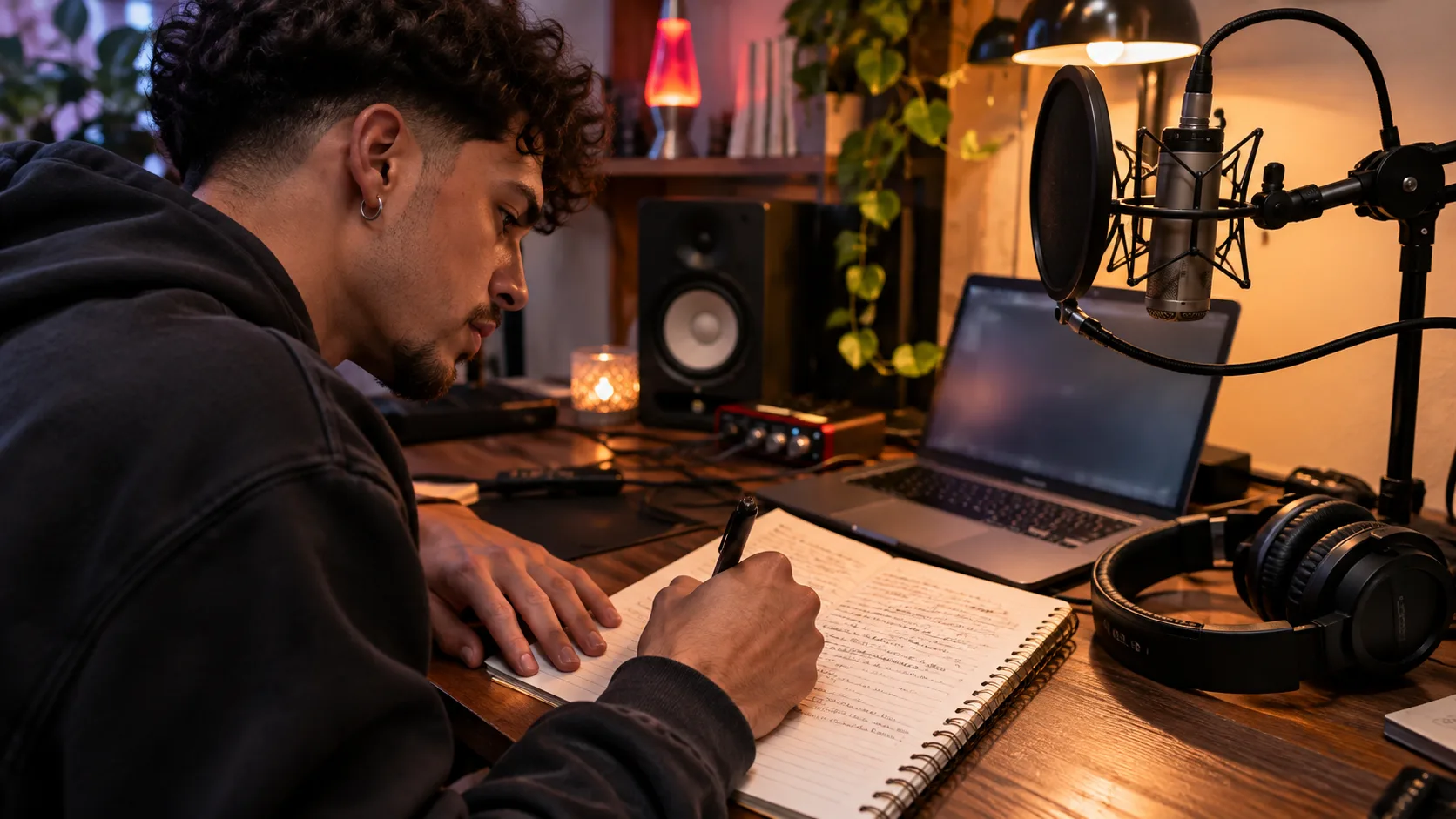
Use a rap lyrics generator to turn an idea into verses. Follow the settings, prompt example and editing steps to improve rhymes, flow and your final draft.
Read article →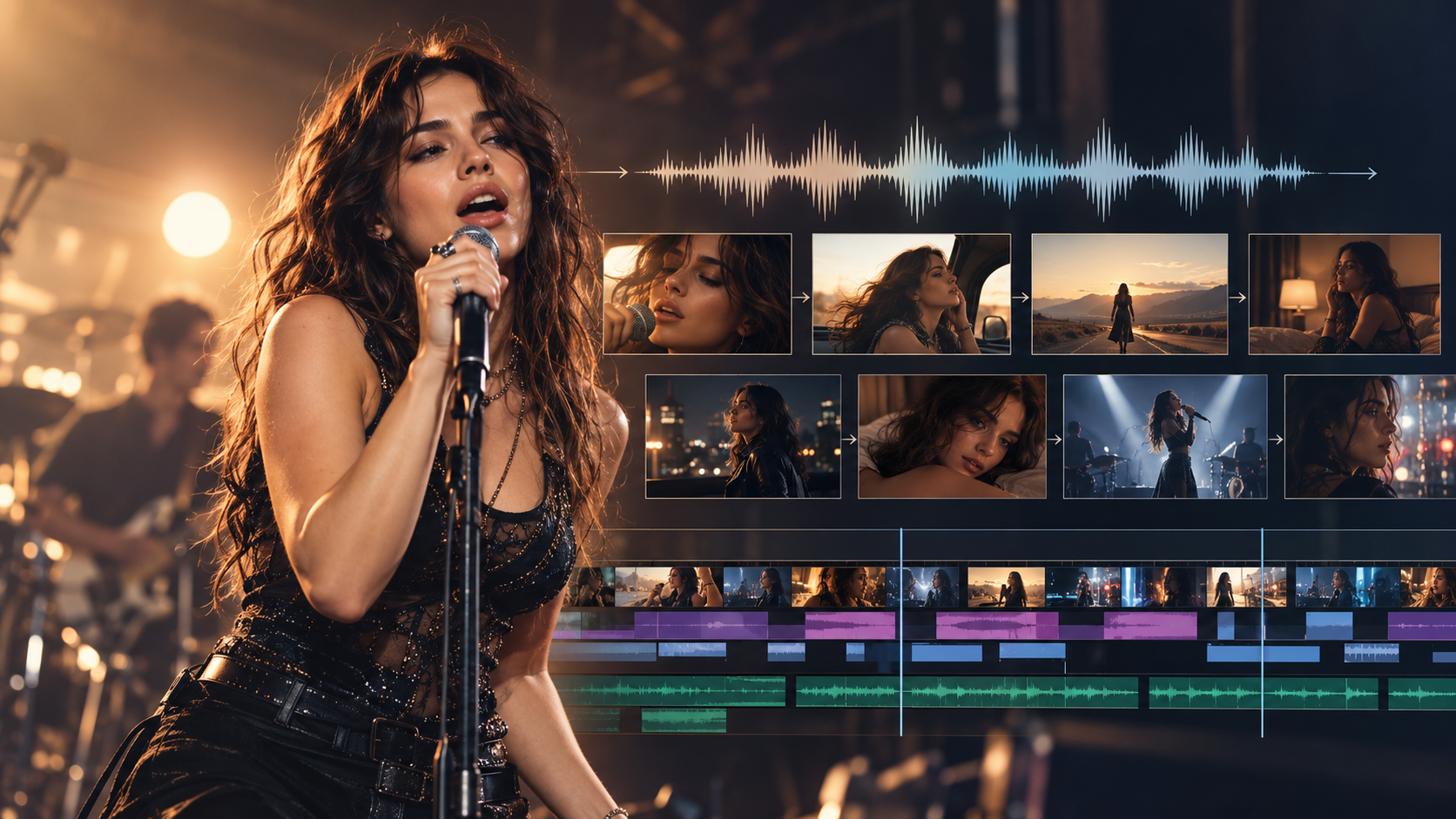 Guide
Choose a lip-sync workflow for your next music video. Compare six production approaches, plan a consistent performer, and build singing scenes around your song.
Read article →Understand what a music maker game can help you sketch, what to check before export, and how to develop the idea into a track for a music video.
Read article →Open Create, add your song and select the passage you want to use. Choose a format and visual style, then describe your idea. Generate a storyboard, review the scenes, create the shot images and videos, and export the finished sequence. Check the credit cost before confirming each generation.
You can upload MP3, AAC, M4A, FLAC or WAV audio up to 200 MB. The track and selected passage must be at least 10 seconds long. Listen to the selection before continuing so the video starts and ends where you intend.
Yes, if you have permission to use the audio. Download your song from the music tool and add the file in Create. You can also make a track with our AI Music Generator first. The video workflow needs audio, so a text idea alone is not enough to begin a music video.
Yes. After adding your song, move the selection handles to choose the chorus or another passage of at least 10 seconds. Preview it before confirming. Free accounts can select up to 15 seconds; longer selections require a paid subscription.
Yes. Select a visual style and describe the setting, action and mood you want. Review the storyboard and shot images before generating motion. Keeping the same palette, clothing and locations across scene instructions can help the sequence feel consistent.
You can use character references to guide the scenes. Paid subscriptions support up to three main characters, while Free supports one. Review the generated images before continuing, because a reference guides appearance without guaranteeing identical details in every shot.
Yes. Choose the Singing content option for a track with vocals and use lip sync in the video workflow. Review the mouth movement against the lyrics and timing. Lip sync affects the credit cost, and results can vary with the audio and scene.
Yes. Choose 9:16 for a vertical video, 16:9 for a wide video or 1:1 for a square video. Set the format before generating your scenes, then check that faces and important details remain visible in the selected frame.
Yes. Open the project, edit the scene that needs work and generate a replacement image or clip. Review its transition into the neighboring scenes, then export the updated sequence. Generating a new version uses additional credits.
AI Music.Video does not add a watermark to exported videos on either the Free or paid plans.
Generation time depends on the selected model, the number and length of scenes, resolution and service demand. Follow the progress in your project and review each stage before continuing. Start with a short passage if you want to test an idea before producing a longer video.
Open My Creations while signed in to find your projects and available results. Browser drafts appear under Drafts and stay on the browser where you saved them. A draft keeps your settings and audio file name, so select the source audio again when resuming it. Keep a separate copy of your source files and downloaded videos.