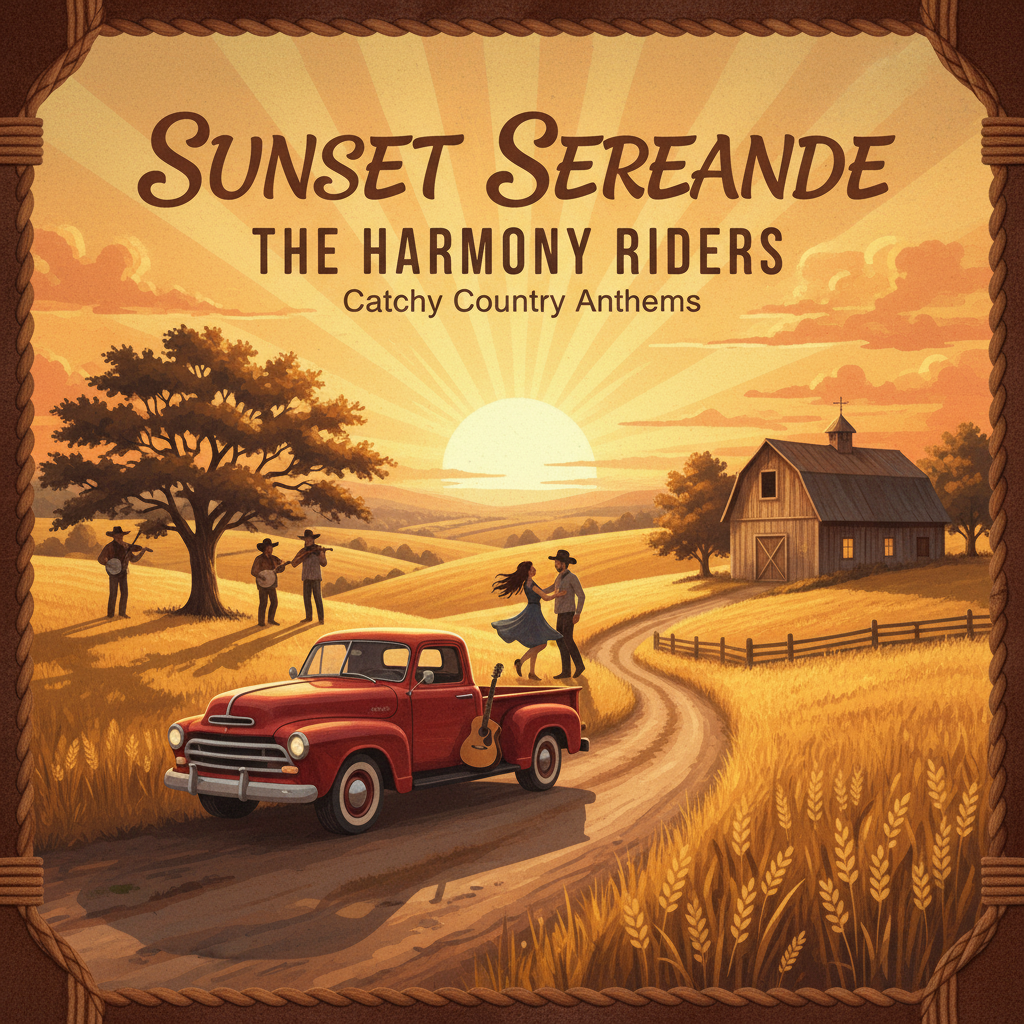
I only ate 3 cheeseburgers!Country, catchy · 3:14Download
Make an AI song cover from your own audio. Upload a track, describe a new musical style, then preview and download the results with our AI music cover tool.
Choose an audio source, describe the style and adjust the settings for your cover.
AI Music Cover starts with audio you already have and lets you request a new musical version. Use it to explore a different arrangement for a recording or hear how a song idea might work in another style. Choose one source: upload a local file, paste a public HTTPS audio link or select an eligible track from My music. You can select a specific audio result from a completed Create task.
For a local upload, choose an MP3 or WAV file no larger than 15 MB and no longer than eight minutes. Preview the selected file to check that it is the recording you intended to use. An uploaded file receives a public source link so it can be processed.
For the URL option, use a direct HTTPS link to publicly accessible audio. A page that requires a sign-in is not a suitable source. Start with a recording you are allowed to use and choose the correct track before spending credits on a cover.
Describe your intended arrangement in Style. You might request an acoustic version with fingerpicked guitar or an electronic version with a restrained beat. A title, style description and lyrics are optional for Cover. Add them when you want to provide those details for the new version.
Select Instrumental for a cover without sung lyrics. Advanced settings include style weight, audio weight and creative variation. A requested duration can be between 10 and 360 seconds, but the finished track may differ from that target. Listen to the result to judge how it follows your source and instructions.
Each Cover task costs 50 site credits without a subscription or 25 with an eligible paid subscription, including all audio tracks returned by that task. After generation finishes, play the available versions in Your music and download the track you want to keep. Compare the phrasing and instrumental balance with your source before starting another version. Choosing a file for preview does not submit a generation; the Create cover button starts the request.
Starting with written lyrics and a style idea? Use the AI Music Generator to create a song without uploading source audio.
Explore more ways to shape your sound and turn it into a visual story.
Explore tools →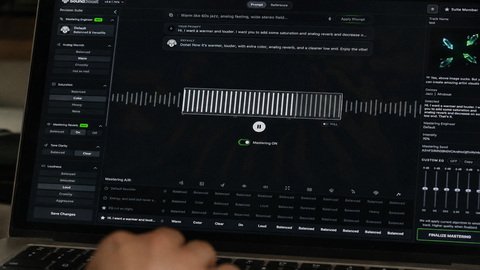
Shape the final sound of your track with online mastering. Adjust the balance and prepare your mix for the places where your listeners play music.
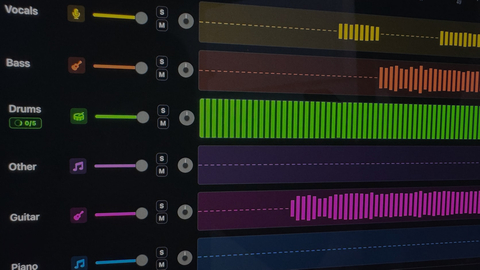
Separate vocals and instruments into individual parts. Explore a mix, practice with a backing track, or focus on a particular element of the music.

Turn your song into a visual story. Start with a track and an idea, then explore ways to create scenes that match the mood of your music.
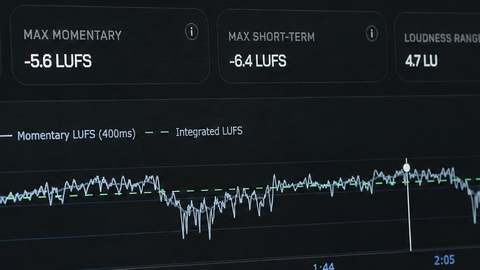
Explore free tools to inspect and prepare your audio. Check loudness and other details as you work toward a version ready to share.
Choose your source audio, describe the new sound in Style, and submit a Cover task. You can upload a recording, paste a public HTTPS audio link or select an eligible completed Create track from My music. Use audio you have permission to work with.
Upload an MP3 or WAV file no larger than 15 MB and no longer than eight minutes. If the file exceeds either limit, export a shorter or smaller copy first. A pasted link must point to publicly accessible audio over HTTPS.
Yes. Describe the arrangement you want, such as an acoustic version of an electronic song or a jazz treatment of a pop idea. Include the instruments, energy and mood that matter to you. The result is a new interpretation, so it may not preserve every detail of the source.
Yes. Select Instrumental to request a cover without sung words. This creates a new arrangement; use a dedicated stem-separation tool if your goal is to remove vocals while keeping the original recording unchanged.
Not necessarily. You can request a duration from 10 to 360 seconds, but it is a target rather than an exact output length. Check the finished track before using it in a video that needs precise timing.
Each Cover task costs 50 credits without a subscription or 25 credits with an eligible paid subscription. Selecting and previewing a source does not submit a task. Once generation finishes, open Your music to listen to and download the available cover results.