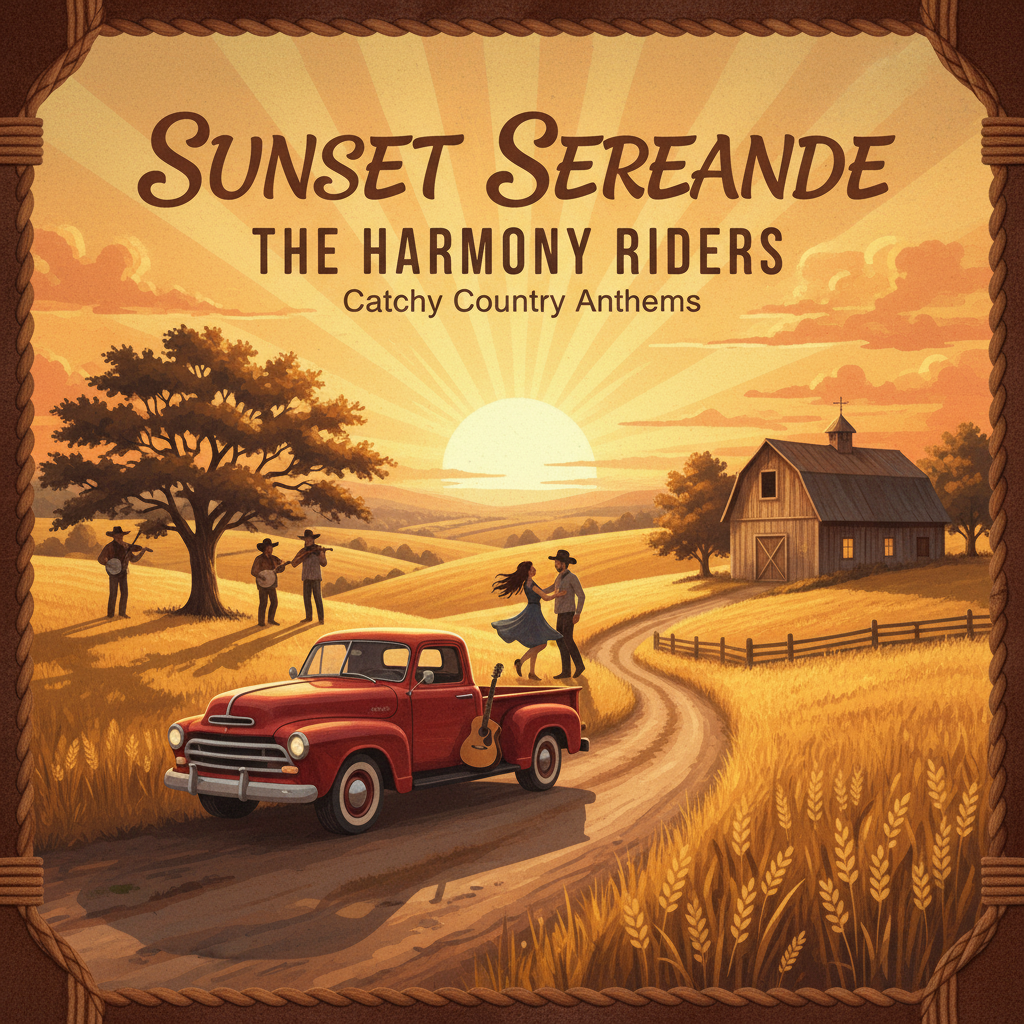
I only ate 3 cheeseburgers!Country, catchy · 3:14Download
Extend a song with our AI music extender. Upload your track, choose a continuation point, and guide the next section with style or lyrics. Preview and download.
Choose a track and guide its continuation with optional musical details.
Choose an MP3 or WAV upload, a public HTTPS audio link or a completed track from My music. Uploads are limited to 15 MB and eight minutes and receive a public source link. Use audio you have permission to process.
Optionally add a title, style or lyrics, and set a continuation point in seconds. Instrumental mode omits lyrics. Listen to the available results and download the track you want. Each task costs 20 credits without a subscription or 10 with an eligible paid subscription; the output length and inclusion of the original audio are not guaranteed.
Explore a different arrangement with AI Music Cover.
Explore more ways to shape your sound and turn it into a visual story.
Explore tools →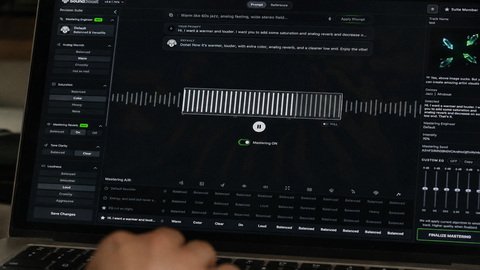
Shape the final sound of your track with online mastering. Adjust the balance and prepare your mix for the places where your listeners play music.
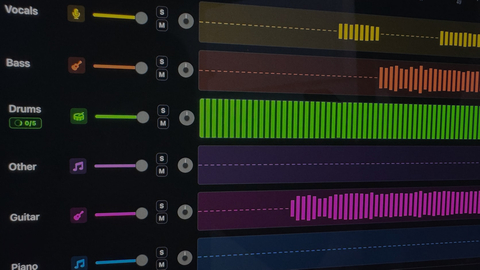
Separate vocals and instruments into individual parts. Explore a mix, practice with a backing track, or focus on a particular element of the music.

Turn your song into a visual story. Start with a track and an idea, then explore ways to create scenes that match the mood of your music.
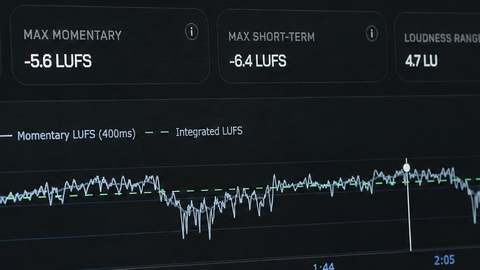
Explore free tools to inspect and prepare your audio. Check loudness and other details as you work toward a version ready to share.
Add your track to AI Music Extender, then describe the continuation you want with optional style notes or lyrics. Set a continuation point if you want to guide where the new section begins. Submit the task and listen to the result in Your music.
Upload an MP3 or WAV up to 15 MB and eight minutes, paste a public HTTPS audio link or choose an eligible track from My music. Keep a copy of the original so you can compare the transition and edit the final arrangement.
Yes. Enter a continuation point in seconds, greater than zero, to guide the start of the continuation. Listen to the source and choose a clear musical transition, such as the end of a phrase. Check the generated join because the result may vary.
You can provide lyrics for a new verse and style notes for its arrangement. For an ending without sung words, choose Instrumental. Describe one clear direction so you can judge whether the continuation fits the original track.
No. The returned audio may be a continuation rather than a complete combined song, and its length can vary. Listen to the result before downloading it for a final edit. If needed, join it to your original in an audio editor.
Each Extend task costs 20 credits without a subscription or 10 credits with an eligible paid subscription. A new attempt incurs the same per-task charge, so review your source and continuation settings before submitting. Finished results are available to play and download in Your music.