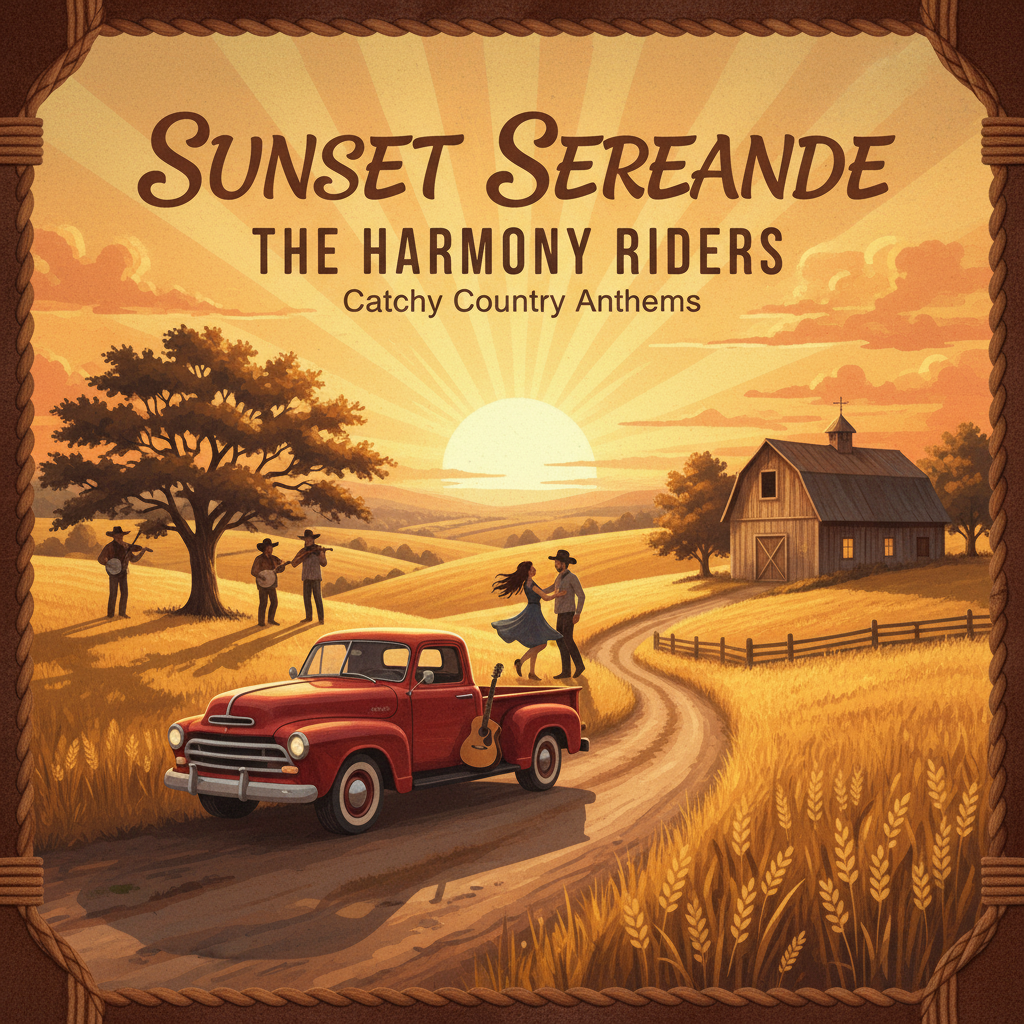
I only ate 3 cheeseburgers!Country, catchy · 3:14Download
Create songs from lyrics and style prompts with our AI music generator. Choose vocals or instrumental music, preview your results, and download your tracks.
Add a title, style and lyrics, then adjust the settings to shape your music.
Use the AI music generator to turn a written idea into a song you can listen to and develop. Start with a title and describe the sound in the Style field. You can add your own lyrics for a vocal track or choose Instrumental for music without sung words. A song sketch, a backing track for practice or a musical idea for a video can each start with a different brief.
Name the instruments, mood and rhythm that matter to your idea. For example, try gentle piano with a slow pulse for a reflective scene, or bright synths with a steady dance beat. Put these musical directions in Style and the words you want sung in Lyrics. Keeping them separate makes the purpose of each input clear.
The editor accepts titles up to 80 characters, style descriptions up to 1,000 and lyrics up to 5,000. Keep line breaks in your lyrics to make verses and choruses easier to review before submitting.
Open Advanced settings to exclude unwanted styles or adjust style weight and creative variation. Leave optional settings blank when you do not have a preference. For a vocal song, you can request a voice preference; for a backing track, select Instrumental. Voice preferences guide generation but do not guarantee a particular voice.
You can request a duration from 10 to 360 seconds. Treat it as a target and check the length of the finished audio. The Variety setting changes the amount of variation, not the number of songs returned.
Sign in to submit a generation. Each Create task costs 20 site credits without a subscription or 10 with an eligible paid subscription, including all audio tracks returned by that task. When processing finishes, listen to the available tracks in Your music and download the version you want to keep. Compare the arrangement with your original brief before deciding what to change in your next generation.
Already have a recording? Use AI Music Cover to explore a new version from an existing audio track.
Build the words for your rap track with the rap lyrics generator. Enter a scene in Topic, choose a rap style and add a rhyme target to guide the draft. Read the result aloud and shorten lines that leave no room to breathe. Paste your revised words into Lyrics here, leave Instrumental off and describe the beat and delivery in Style. Listen for rushed words in the generated track before preparing a music video.
Explore more ways to shape your sound and turn it into a visual story.
Explore tools →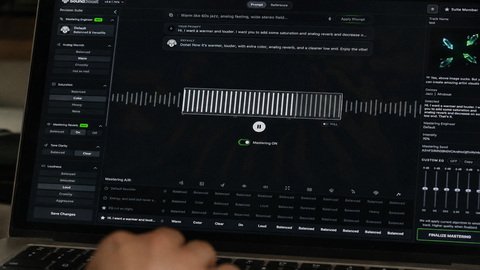
Shape the final sound of your track with online mastering. Adjust the balance and prepare your mix for the places where your listeners play music.
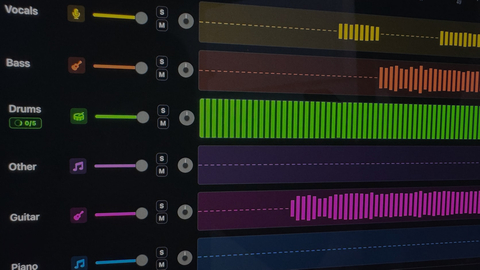
Separate vocals and instruments into individual parts. Explore a mix, practice with a backing track, or focus on a particular element of the music.

Turn your song into a visual story. Start with a track and an idea, then explore ways to create scenes that match the mood of your music.
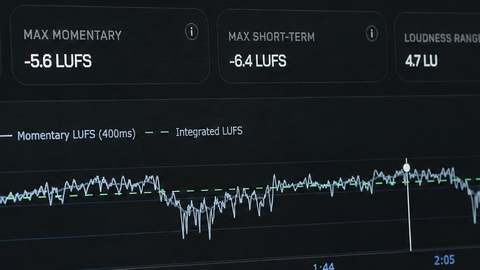
Explore free tools to inspect and prepare your audio. Check loudness and other details as you work toward a version ready to share.
Enter a title and describe the music in the Style field, such as the genre, mood and instruments. Add lyrics if you have them, or select Instrumental for music without sung words. Sign in and submit when the settings match your idea.
Yes. Paste your words into Lyrics, up to 5,000 characters. Use the Style field to describe how the song should sound. Review the generated track before publishing, because phrasing and delivery can vary between results.
Yes. Select Instrumental and describe the mood, instruments and energy you want. For example, you could request a quiet piano arrangement for a reading video or an upbeat electronic track for a workout.
You can request a duration from 10 to 360 seconds. This is a target, so the finished track may differ in length. If you need music to fit an exact edit, listen to the result and trim it in your audio or video editor.
Each Create task costs 20 credits without a subscription or 10 credits with an eligible paid subscription. That charge covers the audio results returned by the task. Starting another task incurs the same per-task charge; changing the Variety setting changes the requested variation, not the number of tracks promised.
Open Your music on the generator page to play and download available results. Listen through each track before choosing one. You can also select an eligible completed Create track in My music when making a cover or extending a song.