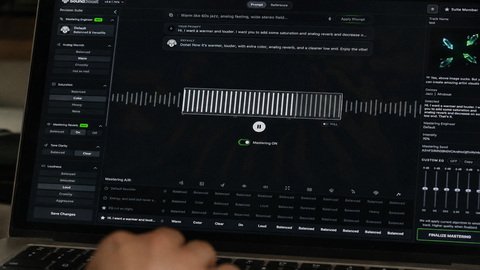
Music Mastering
Shape the final sound of your track with online mastering. Adjust the balance and prepare your mix for the places where your listeners play music.

Turn your ideas into rap lyrics with clear rhymes, a distinct voice and a flow you can make your own.
Choose your rap style, emotion and language. Add rhyme targets, shape the story and save your lyrics in My Creations.
Choose a topic and let the rhymes take shape.
Use this online rap lyrics generator to turn a specific moment into verses. Start with the last train home, a difficult conversation or the day you decided to change. Add what happened, who was there and how it felt. A clear topic gives each verse something to say.
The rap song lyric maker supports Boom Bap, Trap, Drill and more. Set the emotion and language, then add words you want to rhyme with. Leave the title blank if you want a new title with your lyrics.
Subscribers can open Studio Settings to choose the rhyme focus, structure and delivery. Low keeps the writing direct with clear end rhymes. Medium asks for internal rhymes, while High asks for longer rhyme chains and more complex sound patterns. Radio adds a short hook, Story develops a narrative and Freestyle keeps the verses moving.
Read the result aloud. Check where you breathe, which syllables carry stress and whether the rhymes sound natural in your language. Generation gives you material to work with; your delivery gives the bars their character.
Copy your finished lyrics or return to them in My Creations. Each request keeps its original result, so opening it again does not use more credits.
Ready to develop the sound? Bring your lyrics to the AI Music Generator, or use Add Vocals to work with an existing instrumental. Those tools use their own generation settings and credit costs.
Try the AI Lyrics Generator for other writing styles, or browse all lyrics tools for a focused starting point.
Explore more ways to shape your sound and turn it into a visual story.
Explore tools →Shape the final sound of your track with online mastering. Adjust the balance and prepare your mix for the places where your listeners play music.
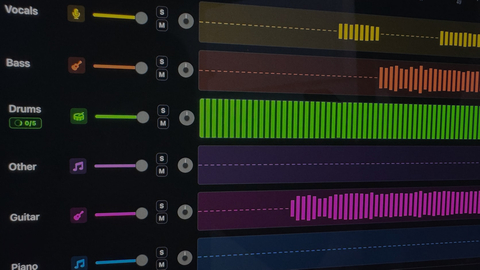
Separate vocals and instruments into individual parts. Explore a mix, practice with a backing track, or focus on a particular element of the music.
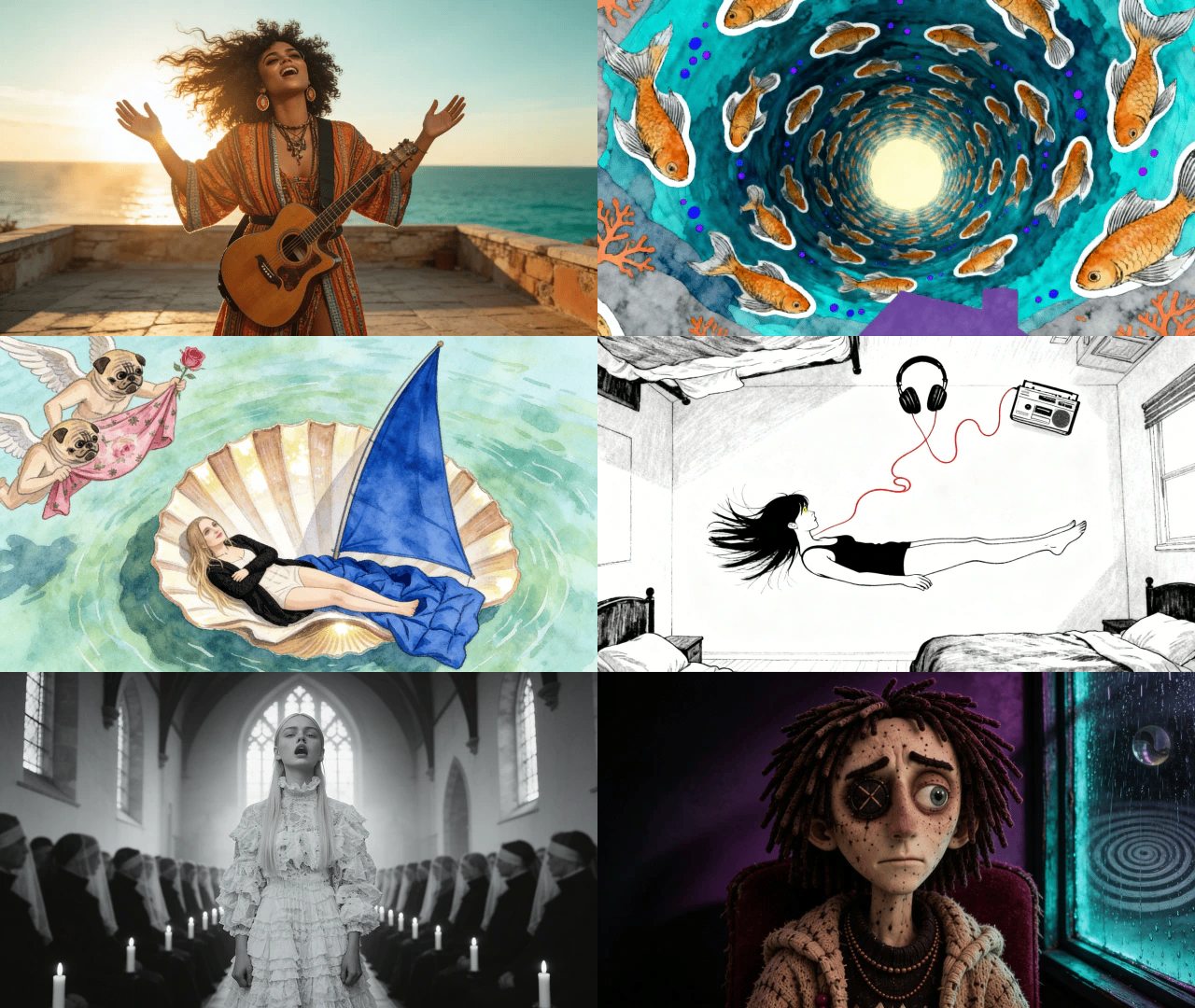
Turn your song into a visual story. Start with a track and an idea, then explore ways to create scenes that match the mood of your music.
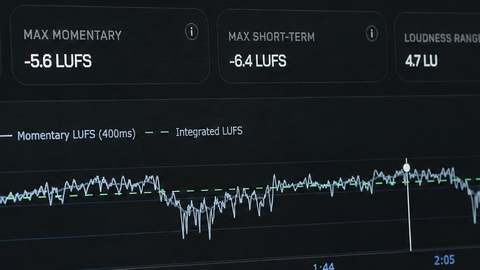
Explore free tools to inspect and prepare your audio. Check loudness and other details as you work toward a version ready to share.
Enter a topic, choose your rap style, emotion and language, then generate. You can add rhyme targets and a title. Sign in to see the credit cost and start your request.
Each generation costs 20 credits, or 5 credits with an active paid subscription. The button shows your price before you generate. Signing in does not start a paid request.
Studio Settings are writing controls for subscribers: rhyme focus, structure, tempo, point of view, narrator persona, profanity level and artist influences.
The rap lyrics generator is instructed to use audible end rhymes and performable rap bars. Higher rhyme focus asks for more internal and multisyllabic rhymes. AI results can still contain imperfect rhymes or awkward lines, so read your lyrics aloud and review them before use.
Choose English, Japanese, Korean, German, Spanish, French, Portuguese, Simplified Chinese, Traditional Chinese or Vietnamese. The controls stay in English.
Accepted requests appear in My Creations under Lyrics. Open a record to view its status or copy the saved result. Leaving the page does not cancel generation.
Each request returns a title and lyrics. It does not generate vocals, a beat or an audio file. You can use your lyrics as the starting point for a separate music project.
Your topic can contain up to 1,200 characters. The title, rhyme targets and artist influences each allow up to 80. Separate rhyme targets with commas. Artist influences guide broad qualities such as energy or storytelling.