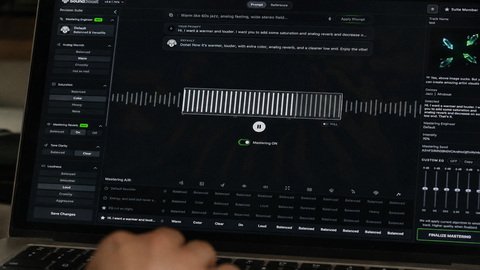
Music Mastering
Shape the final sound of your track with online mastering. Adjust the balance and prepare your mix for the places where your listeners play music.

Explore AI lyrics generators for pop, rap, country, rock, R&B and more. Choose a style, describe your idea and create your next lyric draft.
Find a style. Bring a story. Start your next lyric draft.
A short hook, a character-led story and a reflective verse ask different things of the same idea. Use the available style pages for focused examples and writing guidance. The general editor keeps all supported styles in one place.
Browse the available writing approaches and open the one that fits your idea.
Explore more ways to shape your sound and turn it into a visual story.
Explore tools →Shape the final sound of your track with online mastering. Adjust the balance and prepare your mix for the places where your listeners play music.
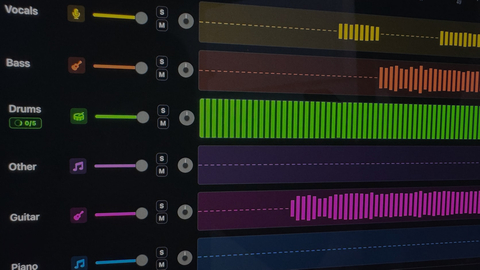
Separate vocals and instruments into individual parts. Explore a mix, practice with a backing track, or focus on a particular element of the music.

Turn your song into a visual story. Start with a track and an idea, then explore ways to create scenes that match the mood of your music.
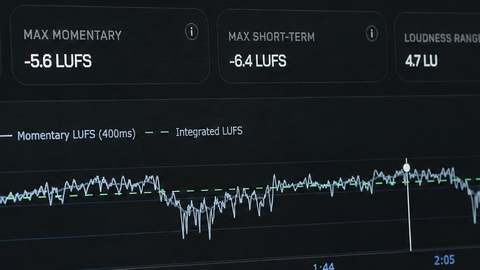
Explore free tools to inspect and prepare your audio. Check loudness and other details as you work toward a version ready to share.
Choose the general generator to explore styles in one editor. Choose a dedicated page when you want a writing direction and examples for a particular style.
The writing controls follow the profile. For example, some styles support duet voices, while Gangsta Rap offers explicit line and rhyme-pattern targets.
These tools return a title and lyric text. Use your saved draft in a separate music workflow when you want audio.
Open My Creations and choose the Lyrics tab. Each accepted task keeps its original status, cost and saved result.